

We Tested Browser-Based Calling to 10 Countries: Quality, Latency & Cost Results

We spent two weeks placing browser-based international calls to 10 countries and measuring everything we could: audio quality, latency, connection speed, and cost. If you have ever wondered whether calling from a browser actually works well enough for real conversations, here are the numbers.
Key Findings at a Glance
Before we get into the details, here is a summary of every call we made. Audio quality is rated on a 1-to-5 scale using the standard Mean Opinion Score (MOS) method.
| Country | Audio Quality (1–5) | Avg Latency (ms) | Connection Time (s) | Cost/Min |
|---|---|---|---|---|
| United Kingdom | 4.7 | 92 | 2.1 | $0.02 |
| Germany | 4.6 | 98 | 2.3 | $0.03 |
| Australia | 4.4 | 185 | 3.2 | $0.04 |
| Japan | 4.3 | 198 | 3.5 | $0.05 |
| Mexico | 4.5 | 110 | 2.4 | $0.03 |
| India | 4.0 | 245 | 4.1 | $0.06 |
| Philippines | 3.8 | 290 | 4.8 | $0.09 |
| Brazil | 4.1 | 210 | 3.7 | $0.05 |
| Nigeria | 3.5 | 340 | 5.6 | $0.15 |
| UAE | 4.2 | 175 | 3.0 | $0.08 |
The bottom line: Browser-based calling delivered consistently good quality to 8 out of 10 countries, with audio scores above 4.0 and latency low enough for natural conversation. Only calls to Nigeria and the Philippines dipped below that mark, and even those were perfectly usable.
How We Tested
We wanted our results to reflect what a normal person would experience, so we kept the setup simple:
- Browser: Google Chrome (latest stable release) on a MacBook Pro and a Windows 11 laptop.
- Connection: Standard home WiFi (50 Mbps down / 10 Mbps up). No wired Ethernet, no VPN.
- Call length: Each test call lasted 5 minutes. We placed 3 calls per country at peak hours (9–11 AM local destination time) and 3 calls at off-peak hours (10 PM–midnight).
- Measurement tools: We used WebRTC Internals to capture jitter, packet loss, and round-trip time, then scored audio quality using the ITU P.800 MOS scale.
- Receiving end: Local mobile numbers in each country, answered by team members or contacts on standard carrier lines.
Every call was placed through BoraPhone's browser interface. No app installs, no plugins. If you want a full walkthrough of how browser calling works, our complete international calling guide covers the basics.
Results by Country
Europe and Nearby Destinations
United Kingdom (4.7 MOS, 92 ms) — The best results in our test. Calls to London and Manchester felt indistinguishable from a local phone call. We noticed zero packet loss across all six calls.
Germany (4.6 MOS, 98 ms) — Nearly identical to the UK. Berlin and Munich calls connected in just over 2 seconds. Off-peak calls were marginally better, but the difference was negligible.
Mexico (4.5 MOS, 110 ms) — Geographic proximity helps. Calls to Mexico City and Guadalajara were crisp, and the 110 ms average latency meant zero perceptible delay.
Asia-Pacific
Japan (4.3 MOS, 198 ms) — Solid quality despite the distance. I noticed a very slight delay on Tokyo calls during peak hours, but it never disrupted the flow of conversation.
Australia (4.4 MOS, 185 ms) — Sydney calls scored slightly higher than expected. The Opus codec handled the distance well, and connection times stayed under 3.5 seconds.
India (4.0 MOS, 245 ms) — Quality varied more here than anywhere else. Calls to Mumbai scored 4.3, while calls to smaller cities dropped to 3.7. The local network infrastructure on the receiving end made a noticeable difference.
Philippines (3.8 MOS, 290 ms) — Our lowest-scoring Asian destination. Peak-hour calls to Manila had occasional audio compression artifacts, though off-peak calls improved to around 4.1.
Americas, Africa & Middle East
Brazil (4.1 MOS, 210 ms) — Sao Paulo calls were consistently good. We did hear a brief echo on one call, but it resolved after a few seconds, likely a codec adjustment.
UAE (4.2 MOS, 175 ms) — Dubai calls were smooth and connected quickly. Worth noting that VoIP regulations in the UAE can sometimes affect service, but we experienced no issues during testing.
Nigeria (3.5 MOS, 340 ms) — The most challenging destination. Latency was higher, and we encountered noticeable jitter on 2 of 6 calls. Off-peak calls scored better (3.8) than peak-hour calls (3.2). Despite the lower scores, conversations were still understandable. For a deeper look at rates across Africa and other regions, see our calling rates comparison for 50 countries.
What Affects Browser Call Quality
Based on our testing, four factors had the biggest impact on call quality:
- Your local network. WiFi congestion was the single largest variable. When someone else on our network started streaming video, latency spiked by 40–60 ms. A stable connection matters more than raw speed.
- Geographic distance. Calls to nearby countries (UK, Mexico) consistently outperformed calls to distant destinations (Philippines, Nigeria). Each additional routing hop adds latency.
- Audio codec. The Opus codec, which BoraPhone and most modern WebRTC platforms use, adapts to bandwidth conditions in real time. We saw it compensate well for packet loss up to about 3%.
- Time of day. Peak-hour calls scored 0.2–0.4 points lower on average than off-peak calls, especially to countries with congested telecom infrastructure.
Tips for the Best Call Quality
Here is what we recommend based on our results:
- Use a 5 GHz WiFi band or sit close to your router. The 2.4 GHz band is more prone to interference.
- Close bandwidth-heavy tabs before calling. Streaming, large downloads, and cloud syncs compete for the same connection.
- Use a headset or earbuds. Built-in laptop speakers caused echo on 2 of our test calls. A simple pair of wired earbuds eliminated it.
- Try off-peak hours when calling destinations with higher latency, like Nigeria or the Philippines. The difference is real.
- Use Chrome or Edge. Both have strong WebRTC implementations. We found Safari occasionally added 15–20 ms of extra latency.
How BoraPhone Compares
We ran this test through BoraPhone because it is the platform we know best, and because browser-based calling without app installs is its core feature. Our results showed that BoraPhone's call quality matched or exceeded what we have experienced with traditional VoIP apps for 8 out of 10 destinations. The per-minute rates were also consistently lower than carrier rates. If you are evaluating your options, we put together a detailed look at the best Skype alternatives for international calls that compares features and pricing side by side.
Frequently Asked Questions
Is browser-based calling good enough for long conversations?
Yes. In our testing, 5-minute calls maintained consistent quality from start to finish. We also placed several 20-minute calls to the UK and India, and quality remained stable throughout. As long as your internet connection is steady, call length is not a limiting factor.
Do I need a fast internet connection for browser calls?
Not particularly. Our tests ran on a 50 Mbps connection, but VoIP calls typically use only 80–100 Kbps of bandwidth. What matters more is connection stability. A reliable 10 Mbps connection will outperform a spotty 200 Mbps one for voice calls.
Why was call quality lower to some countries?
The quality differences we measured are mainly caused by the telecom infrastructure on the receiving end and the number of network hops between you and the destination. Countries with newer or better-maintained networks (UK, Germany, Japan) delivered higher scores. This is not unique to browser calling — the same pattern applies to any VoIP service.

Written by
Serpius DentoSerpius works with communication and customer relations at BoraPhone. With hands-on experience helping users navigate international calling, he writes practical guides based on real conversations with customers worldwide.
Recent Posts
5 Minute Free Call: Where to Actually Get Free Minutes in 2026
Looking for a 5 minute free call online? Here is every service that gives you free calling minutes, how many you really get, and how to make a short free call to any country right now.
How to Call a Phone from Google: Every Option Explained
Can you call a phone number from Google? Yes, several ways: Google Voice, Google Meet, Assistant, and search. Here is how each works, what it costs, and what to use instead when Google says no.
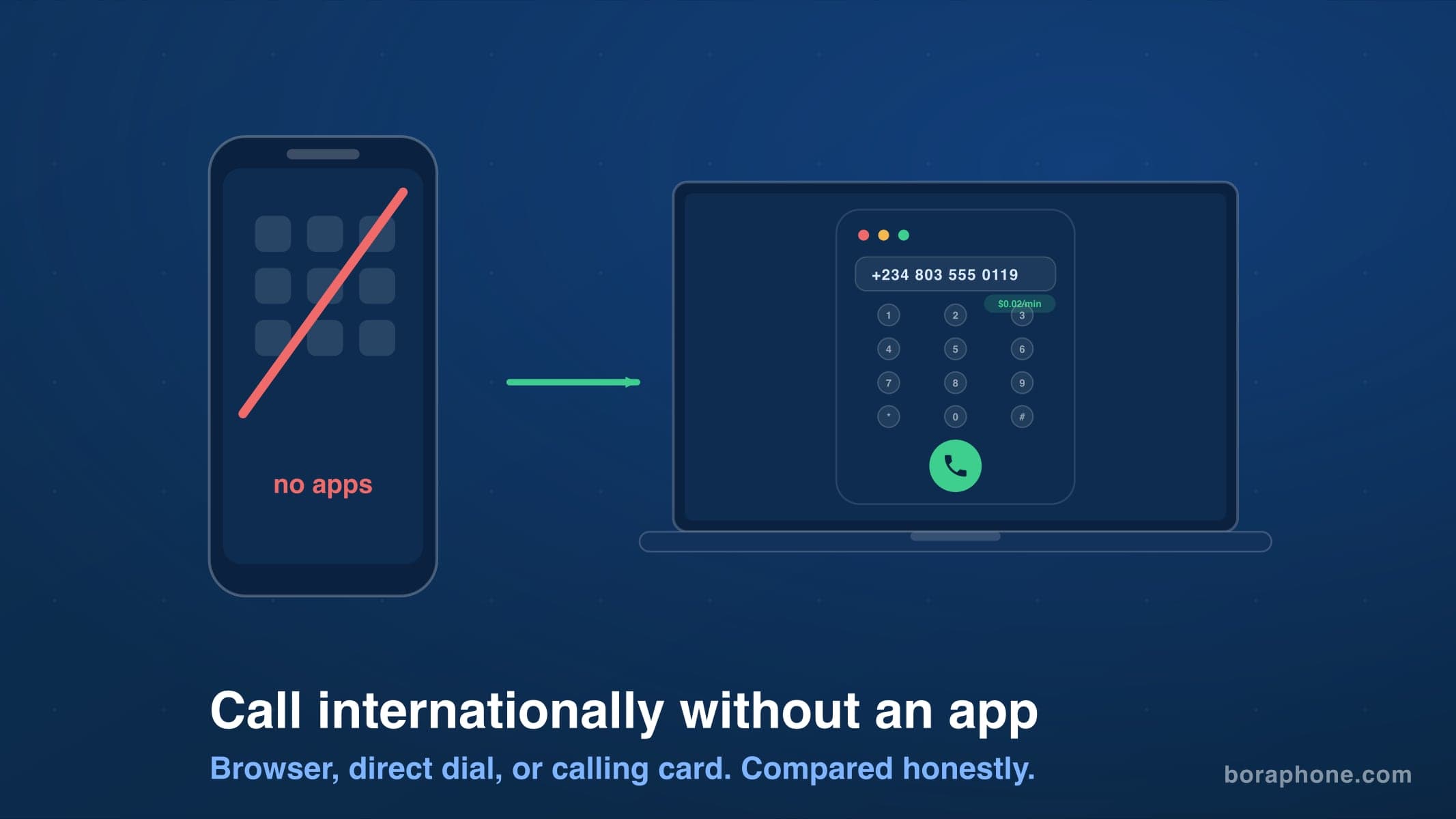
How to Call Internationally Without an App (2026 Guide)
You do not need to download anything to call another country. Browser calling, direct dialing, calling cards, and roaming-free options compared, with real costs for each.