
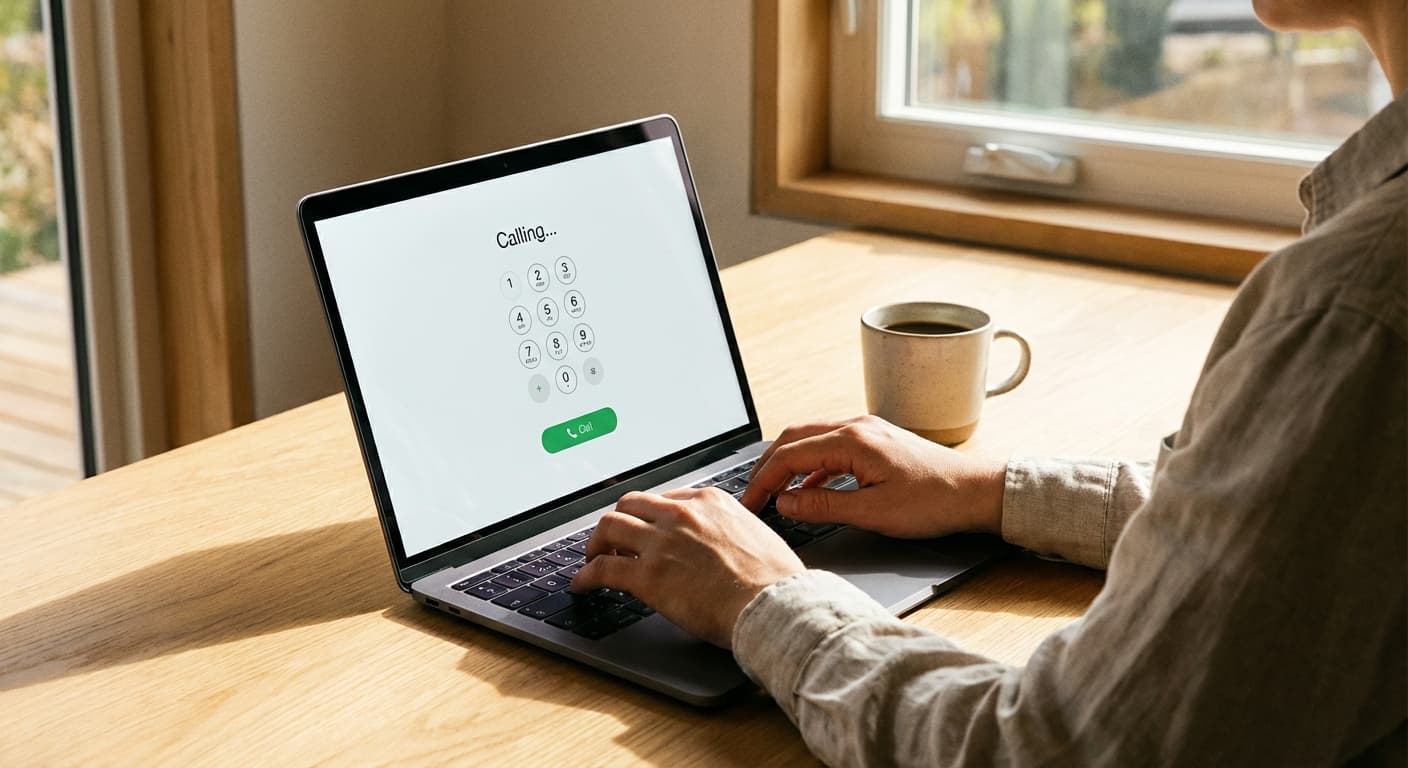
International Calling from Your Browser: No App, No Download, Just Dial

You are sitting at your computer. You need to call a phone number in another country. Maybe it is a client in London, a supplier in Istanbul, or your mother's landline in Nairobi.
The traditional options all involve friction: pick up your phone and pay $2/minute through your carrier, download yet another app and create yet another account, or dig out a calling card PIN you wrote on a sticky note six months ago.
There is a faster option that most people do not know about: open a browser tab and dial.
How Browser-Based International Calling Works
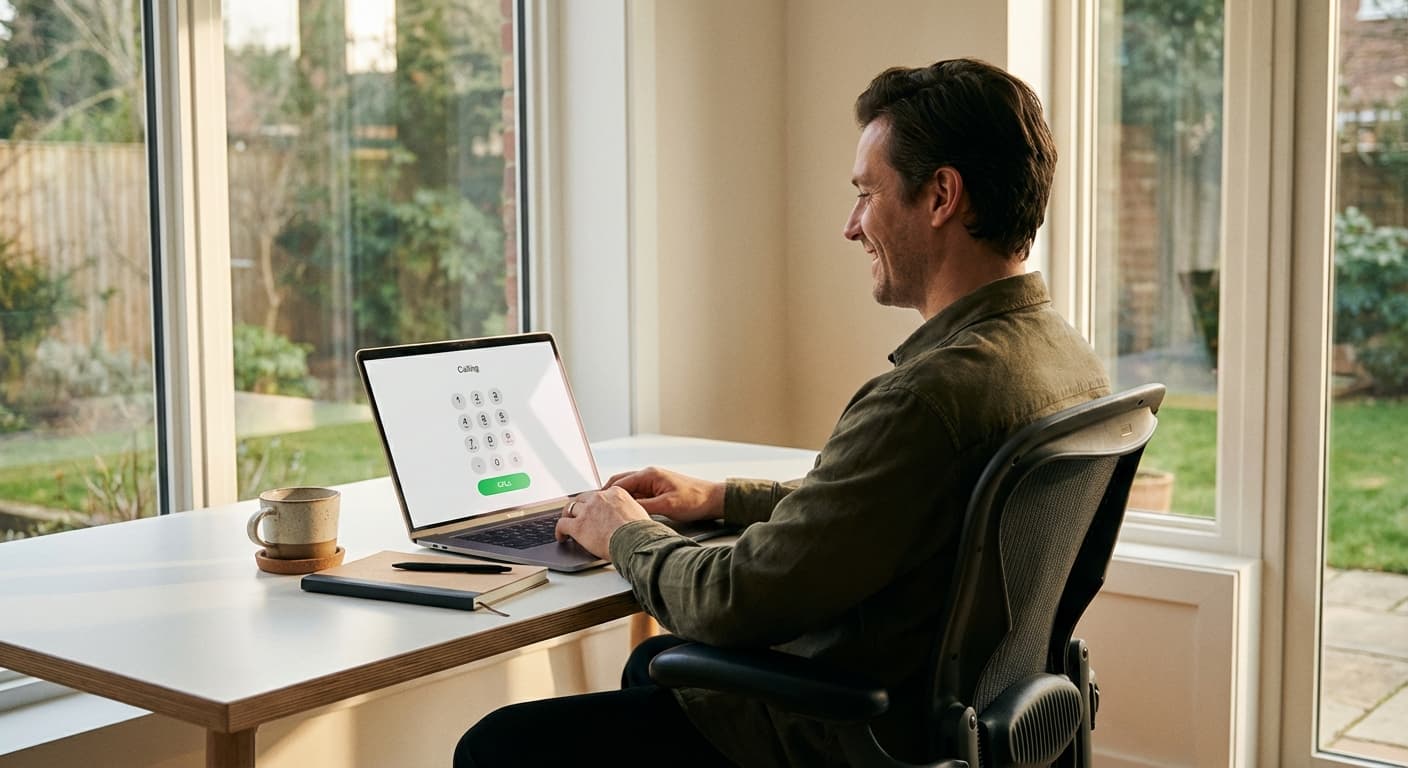
The concept is simple. You visit a website, enter a phone number (including the country code), and click to call. Your browser handles the audio through your computer's microphone and speakers — or a headset if you prefer. The call travels over the internet from your browser to the recipient's actual phone, whether that is a mobile or landline.
The technology behind it is WebRTC (Web Real-Time Communication), the same standard that powers Google Meet, Zoom in-browser, and countless other audio/video tools. It is built into every modern browser — Chrome, Firefox, Safari, Edge — and requires no plugins or extensions.
What this means practically: if your browser can run Google Meet, it can make phone calls.
Why This Matters for People Who Work at Computers
Here is a data point that explains why browser calling is growing rapidly: the majority of international calls made through services like BoraPhone originate from desktop browsers, not mobile devices.
That makes sense when you think about it. If you work at a computer — and most knowledge workers spend 6–10 hours a day in front of one — picking up your phone to make a call means switching devices, unlocking your phone, opening an app, navigating to a dialer, and entering a number. Or you could stay in the flow of your workday and open a new tab.
For remote workers, freelancers, and anyone who communicates internationally as part of their job, the browser is the most natural place to make calls. You are already there.
Getting Started: 30 Seconds to Your First Call
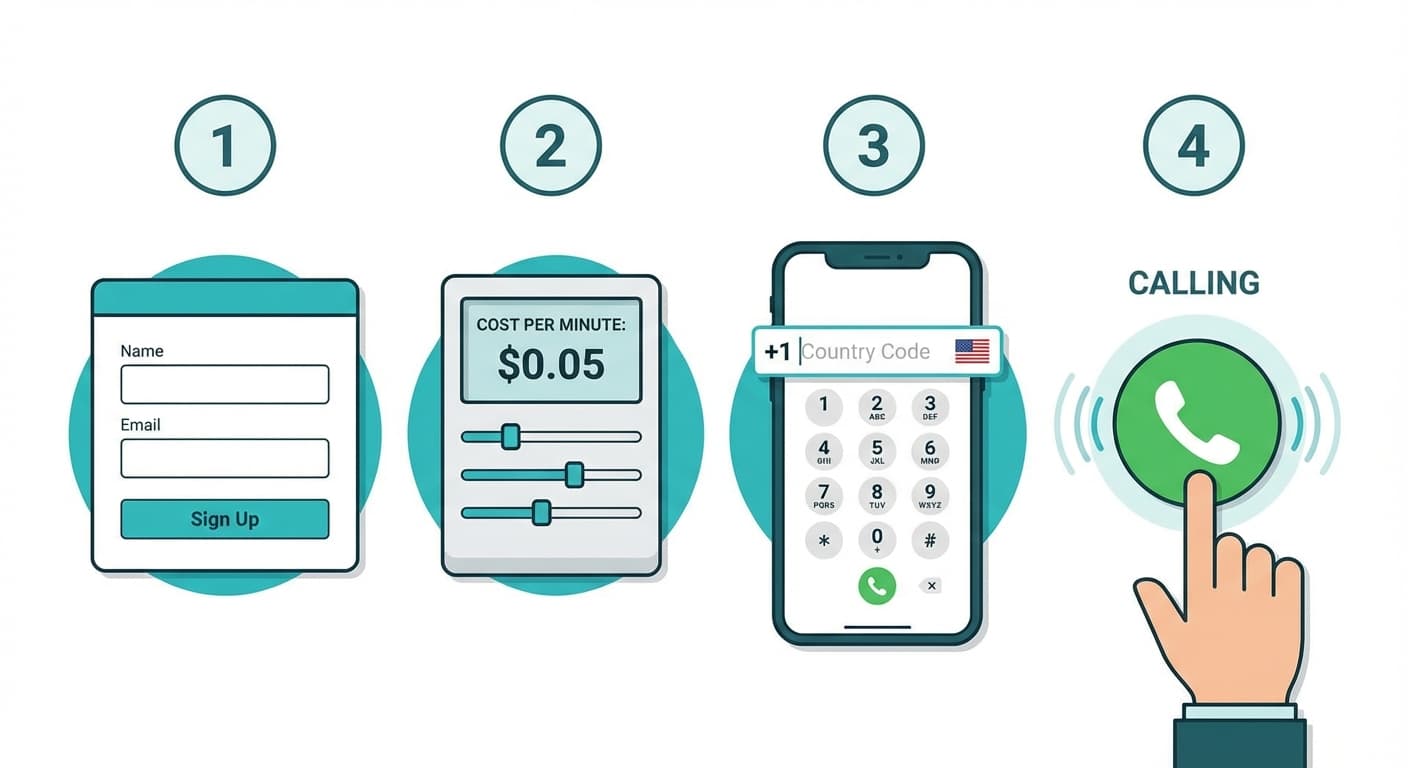
Here is the actual process with BoraPhone, the browser-based calling service we have tested most extensively:
Step 1: Go to boraphone.com/signup and sign up with your email. No phone verification required.
Step 2: Your first call is free — no credit card needed to test it. After that, add credits starting at $5.
Step 3: Enter the phone number with the country code (like +44 for the UK or +91 for India). The rate calculator shows the per-minute cost before you dial.
Step 4: Click call. The connection typically establishes in under 3 seconds.
That is it. No software to download, no app to keep updated, no account verification wait time. Your browser's microphone permission prompt is the only thing between you and a connected call.
When Browser Calling Makes the Most Sense
You Work at a Computer and Call Clients Internationally
This is the core use case. If you are a freelance designer calling a client in Berlin, a sales rep following up with a lead in São Paulo, or a startup founder coordinating with overseas developers — browser calling keeps you at your workstation with zero disruption.
You Travel and Cannot (or Do Not Want to) Install Apps
Airport WiFi. Hotel business centers. Borrowed laptops. Coworking spaces abroad. In all these situations, installing an app is impractical or impossible. A browser tab works everywhere, on any machine, without leaving a trace. Log into your BoraPhone account, make the call, close the tab. We compare every no-download option, including calling cards and direct dialing, in our guide to calling internationally without an app.
You Need to Call a Business or Official Number
Messaging apps like WhatsApp only work when both parties have the app. If you are calling a doctor's office in Tokyo, a university admissions office in Sydney, or a government agency in Bogotá, you need to reach a real phone number. Browser-based VoIP connects to actual phone lines — landlines and mobiles — just like a regular phone call. The recipient sees a real caller ID, not a random app notification.
You Want Transparent Pricing with No Commitments
Carrier international plans charge $10–$15/month whether you call or not. Skype subscriptions auto-renew. Calling cards have hidden fees and expiration dates. BoraPhone is pay-as-you-go: add credits when you need them, use them at your pace. No subscription, no contract. The rates page lists costs for every country, and the calculator shows your exact cost before connecting.
Browser Calling vs. the Alternatives
| Factor | Browser Calling (BoraPhone) | WhatsApp Call | Skype | Carrier Plan |
|---|---|---|---|---|
| Download needed | No | Yes | Yes | No |
| Reaches landlines | Yes | No | Yes | Yes |
| Works from any computer | Yes | Limited | Needs app | No |
| Setup time | 30 seconds | Minutes | Minutes | Days (plan activation) |
| Monthly fee | None | None | Optional ($7+/mo) | $10–$15/mo |
| Rate per minute | From $0.02 | Free (app-to-app only) | From $0.02 + fees | $0.25+ |
| Call encryption | Yes | End-to-end | Yes | Carrier-grade |
| Caller ID | Yes | App-based | Paid add-on | Your number |
Call Quality: What to Expect
A common concern with browser-based calling is audio quality. In our testing across dozens of calls to multiple continents, here is what we found:
On stable WiFi or wired connection: Call quality was excellent — clear, low-latency audio comparable to a regular phone call. BoraPhone uses enterprise-grade infrastructure with HD voice, and the difference was noticeable compared to some VoIP apps.
On mobile data (4G/5G): Quality remained strong. We experienced no dropped calls and minimal delay even on hotel WiFi in multiple countries.
On slow connections (2G, weak WiFi): Audio quality dipped noticeably. If your connection cannot handle a Google Meet video call, it may struggle with browser calling. That said, voice calls require far less bandwidth than video — even a 1 Mbps connection is sufficient.
Headset vs. built-in speakers: Using a headset or earbuds significantly improved the experience. Laptop speakers and microphones work fine, but echo cancellation is better with a dedicated headset.
Enterprise and Team Use Cases
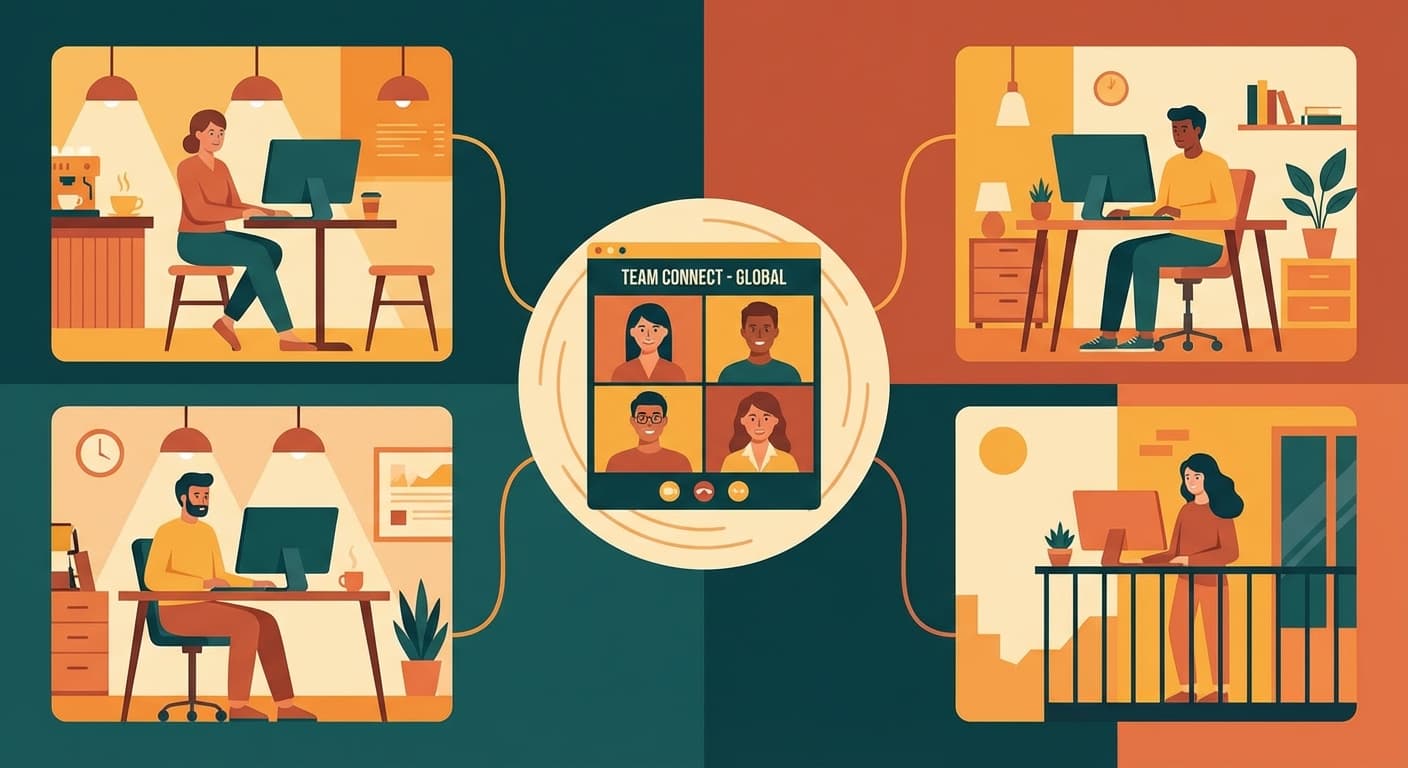
Browser-based calling is not just for solo callers. BoraPhone's enterprise plan offers features built for teams: shared account balance so team members draw from one pool of credits, call recording and AI-generated transcripts for documentation, unlimited team members under a single account, and virtual phone numbers for local caller ID in multiple countries.
For distributed teams that regularly contact clients, vendors, or partners in other countries, this replaces the need for individual international calling plans on each employee's phone.
Security and Privacy
All calls through BoraPhone are encrypted, meaning the audio data is scrambled during transmission and cannot be intercepted by third parties. This is the same level of protection you get with most business communication tools.
Because the service runs in your browser, there is no app storing data on your device. Your call history and account are tied to your login, not to a specific device — which is actually a privacy advantage if you make calls from shared or public computers.
Frequently Asked Questions
Do I need a phone number to use browser-based calling?
No. You sign up with an email address, and the service provides a caller ID for your outgoing calls. The recipient sees a real phone number, not an "unknown caller" alert.
Can the person I am calling tell I am calling from a browser?
No. The call appears as a normal incoming phone call on their end. They see a caller ID and answer their phone as usual. The technology is transparent to the recipient.
Does it work on my phone's browser too?
Yes. BoraPhone works on mobile browsers as well as desktop. However, the experience is optimized for desktop use — which is where most users make calls from naturally.
What happens if my internet drops during a call?
The call will disconnect, just as it would with any internet-based service. You can immediately reconnect by dialing again. BoraPhone only charges for connected time, so you are not billed for the dropped portion.
Can I get a local phone number for incoming calls?
Yes. BoraPhone offers virtual phone numbers starting at $1.95/month for US numbers. This gives you a local number that people can call, with the calls ringing in your browser.
Last updated: May 2026. Features and pricing based on publicly available information and hands-on testing.

Written by
Serpius DentoSerpius works with communication and customer relations at BoraPhone. With hands-on experience helping users navigate international calling, he writes practical guides based on real conversations with customers worldwide.
Recent Posts
5 Minute Free Call: Where to Actually Get Free Minutes in 2026
Looking for a 5 minute free call online? Here is every service that gives you free calling minutes, how many you really get, and how to make a short free call to any country right now.
How to Call a Phone from Google: Every Option Explained
Can you call a phone number from Google? Yes, several ways: Google Voice, Google Meet, Assistant, and search. Here is how each works, what it costs, and what to use instead when Google says no.
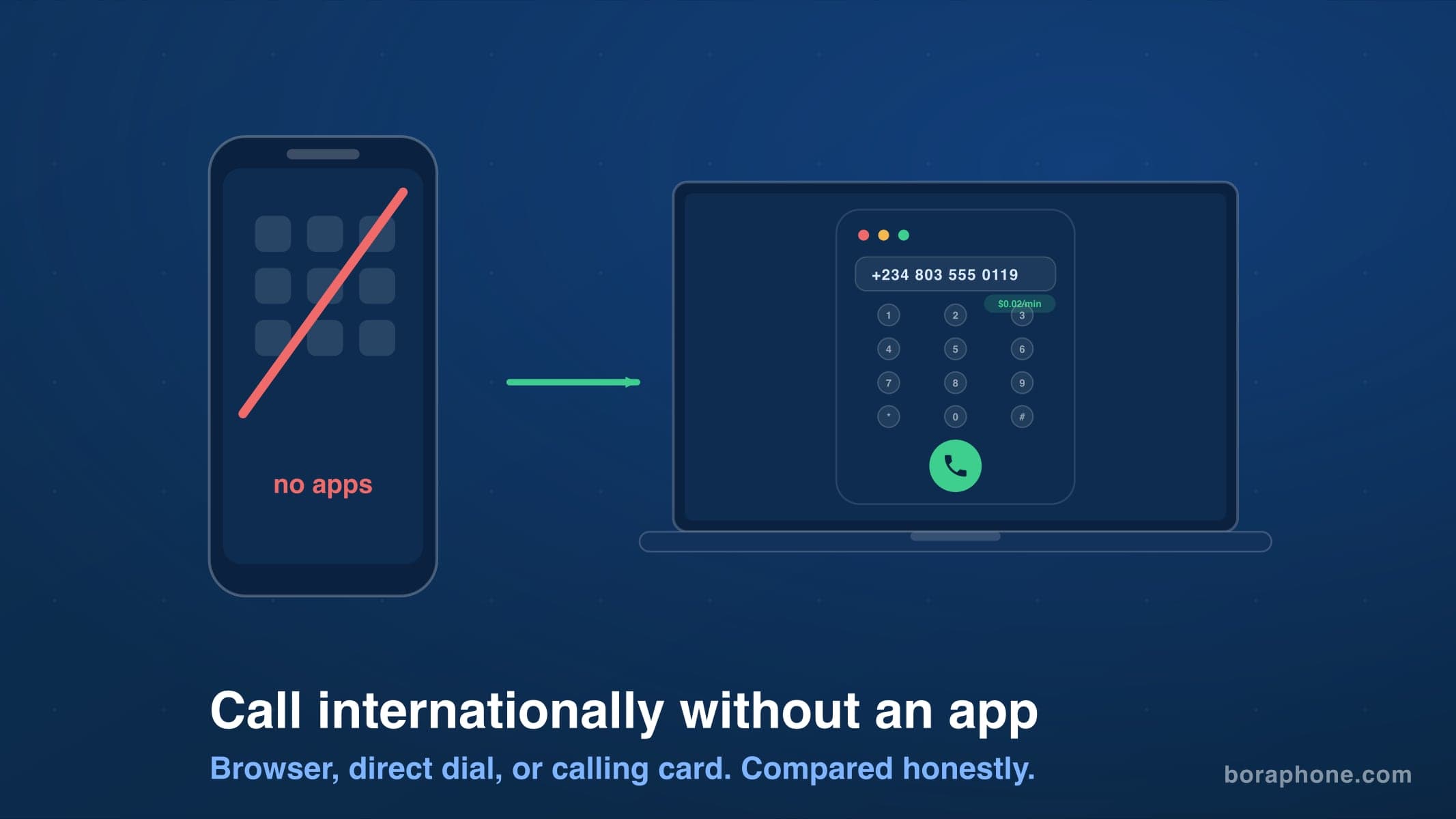
How to Call Internationally Without an App (2026 Guide)
You do not need to download anything to call another country. Browser calling, direct dialing, calling cards, and roaming-free options compared, with real costs for each.