
How to Call a Phone from Google: Every Option Explained

People search "call a phone from Google" and mean several different things. Some want to click a number in search results. Some want Google Voice. Some just want the cheapest way to place a call from a browser and assume Google has one.
Google does let you call real phone numbers, but the free options come with a big catch: most of them only work fully if you are in the United States. This guide covers every Google calling method, exactly what each one costs, and what to use when Google is not available to you.
Option 1: Google Voice (The Main One)
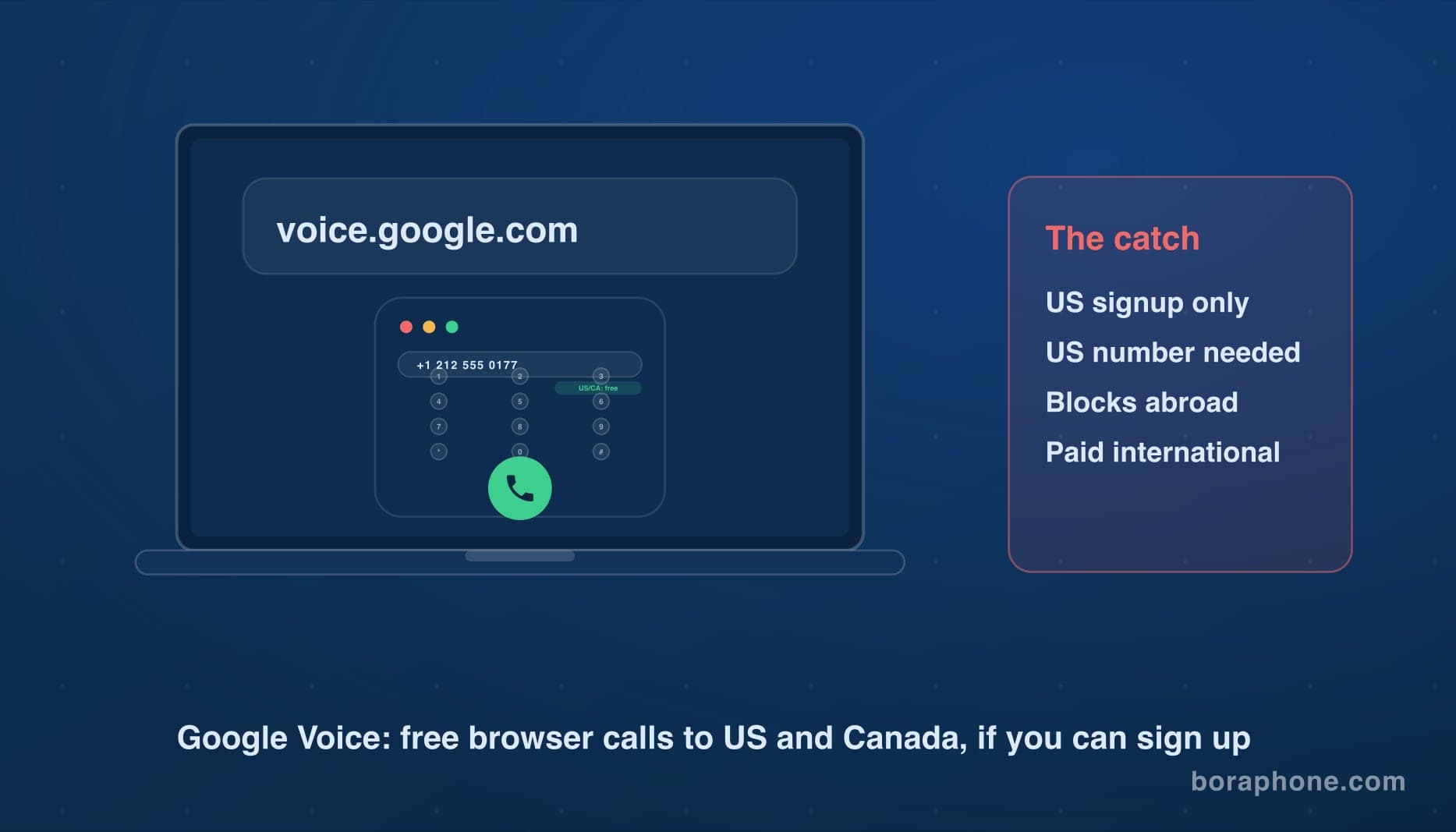
Google Voice is Google's actual phone service. You get a real US phone number, and you can make and receive calls from any browser at voice.google.com, or from the mobile app.
What it costs: Calls to US and Canadian numbers are free. International calls are paid per minute, with rates that vary a lot by country and by whether you call a landline or mobile.
How to call from your browser:
- Go to voice.google.com and sign in.
- Click Calls in the left menu.
- Type the number or pick a contact.
- Click the call button and allow microphone access.
The catch: Google Voice signup requires a US phone number to verify, and the service is only offered to people in the US. If you are outside the US, you cannot create an account, and even existing accounts often run into blocks when calling from foreign IP addresses. If that is your situation, we compared the realistic options in our guide to Google Voice alternatives outside the US.
For US users, Google Voice is excellent for domestic calls. For international calls, check rates before assuming it is cheap. Some routes are competitive, others are not. Our Google Voice vs BoraPhone comparison goes route by route.
Option 2: Click a Number in Google Search
When you search for a business on Google, the result often shows a phone number. What happens when you click it depends on your device:
- On a phone, tapping the number opens your dialer and the call uses your normal phone plan.
- On a computer, clicking the number usually offers to send it to your phone, or opens whatever calling app is registered for tel: links (Phone Link on Windows, FaceTime on Mac).
This is a shortcut, not a calling service. Google is just passing the number to something that can dial. Whatever that app charges is what the call costs. If it hands off to your mobile plan and the number is international, carrier rates apply, often $1.00 or more per minute from the US.
Option 3: Google Meet
Google Meet is built for video meetings, but in the US, Meet can also place calls to real phone numbers in some cases. Consumer accounts in the US can start a call to a US number from Meet's "Make a call" option, and paid Workspace plans can add dial-out through Google Voice licenses.
In practice this is a niche path. It only covers US numbers for most people, availability shifts between account types, and it is not designed as a general dialer. If you find yourself trying to bend Meet into a phone, a browser calling service is the straightforward version of the same idea.
Option 4: Google Assistant and Pixel Devices
On Android phones and Google Nest speakers, you can say "Hey Google, call" followed by a contact or business. On a phone, this dials through your normal phone app and plan. On Nest speakers in the US, calls to US numbers are free over Wi-Fi.
Again, the free part stops at the border. International calls from these devices route through paid services or your carrier plan.
What All Google Options Have in Common
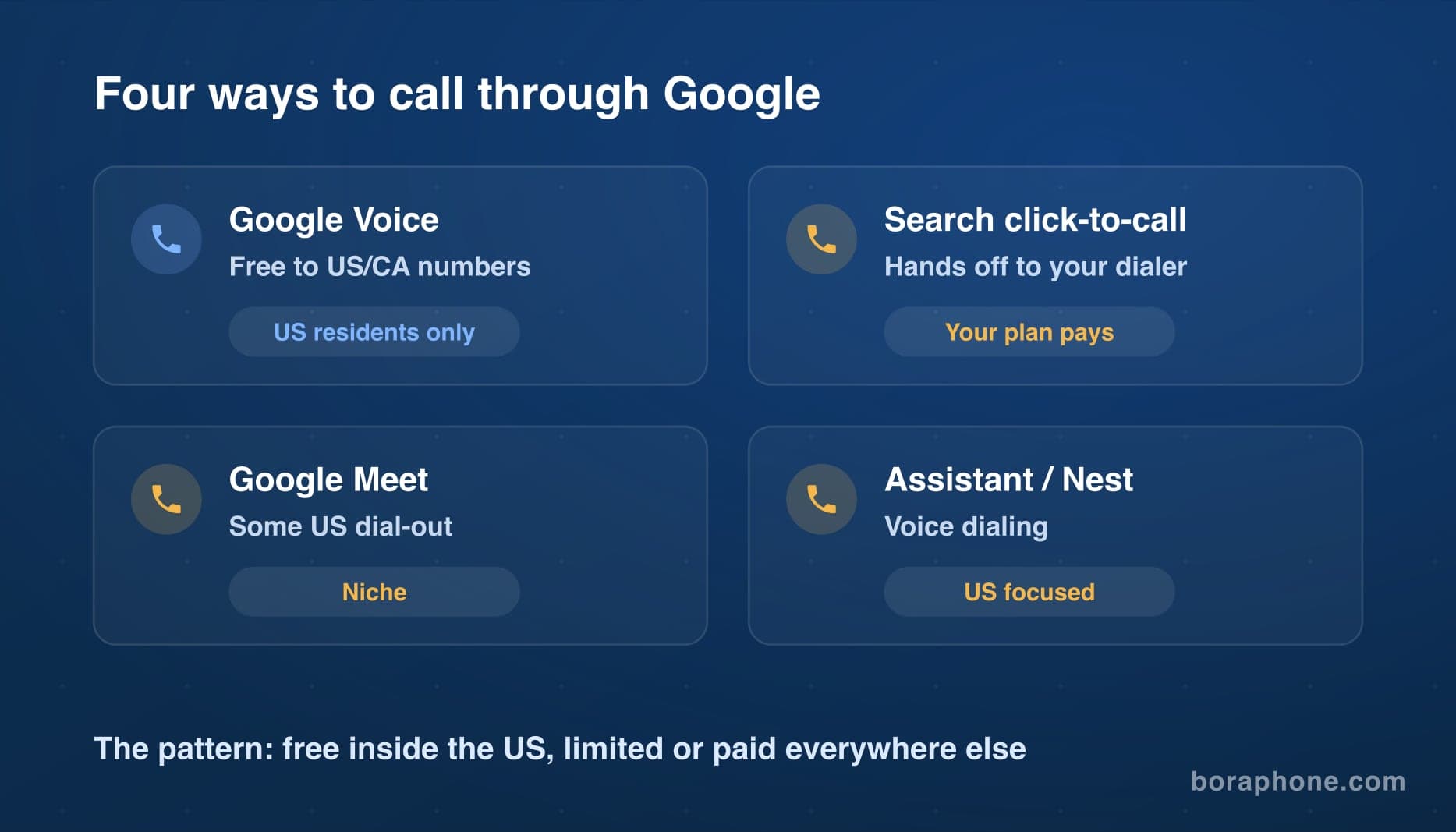
Notice the pattern. Every Google calling method is free or cheap inside the US and Canada, and limited or expensive everywhere else:
| Google method | Free calls | Works outside the US? |
|---|---|---|
| Google Voice | US and Canada numbers | Signup blocked outside US |
| Search click-to-call | No, uses your phone plan | Yes, but carrier rates apply |
| Google Meet dial-out | Some US calls | Mostly no |
| Assistant / Nest | US numbers on speakers | Limited |
Google built its calling products for the US market. That is not a criticism, it is just the reason so many people outside the US hit a wall and start searching for alternatives.
When Google Is Not an Option: Calling from Any Browser
If you cannot use Google Voice, or you need to call an international number without carrier pricing, browser-based VoIP does the same job from any country.
BoraPhone works like Google Voice's calling tab but without the US requirement. You open the site in any browser, type any number in the world, see the per-minute rate before you dial, and call. Your first call is free with no credit card, and after that you pay per minute from $0.02 depending on the destination, with no subscription and no connection fees. You can compare the cost to any country on the rates page first.
The person you call answers on their regular phone. They do not need Google, an app, or the internet. If you want to see how browser calling compares to the other services in this space, our browser-based calling services review tests seven of them side by side.
Frequently Asked Questions
Can I make a free call from Google?
If you are in the US, yes. Google Voice gives you free browser calls to US and Canadian numbers. Outside the US, Google has no free calling option for regular phone numbers. Free app-to-app calls through something like WhatsApp are the closest substitute, and only work when the other person has the app.
Is there a Google service to call international numbers cheaply?
Google Voice offers paid international calling with per-minute rates. Whether it is cheap depends on the route. Compare its rate for your destination against a VoIP service before deciding. For some countries the difference is small, for others it is large.
Why can I not sign up for Google Voice?
Google Voice requires a US phone number for verification and is only available to US residents. VPNs do not reliably solve this because verification still needs a US number. See our Google Voice alternatives guide for services that work worldwide.
Can I call a phone number directly from Google Search?
You can click numbers in search results, but Google passes the call to your phone or a calling app. Google itself does not carry the call, and the cost depends on whatever app or plan actually dials.
What is the best way to call a real phone number from a browser?
Any modern browser can place calls through a web-based VoIP service. Open the site, enter the number, and talk. No download is needed. Our guide on how to make a phone call from your computer walks through every method, including the Google options on this page.

Written by
Serpius DentoSerpius works with communication and customer relations at BoraPhone. With hands-on experience helping users navigate international calling, he writes practical guides based on real conversations with customers worldwide.
Recent Posts
5 Minute Free Call: Where to Actually Get Free Minutes in 2026
Looking for a 5 minute free call online? Here is every service that gives you free calling minutes, how many you really get, and how to make a short free call to any country right now.
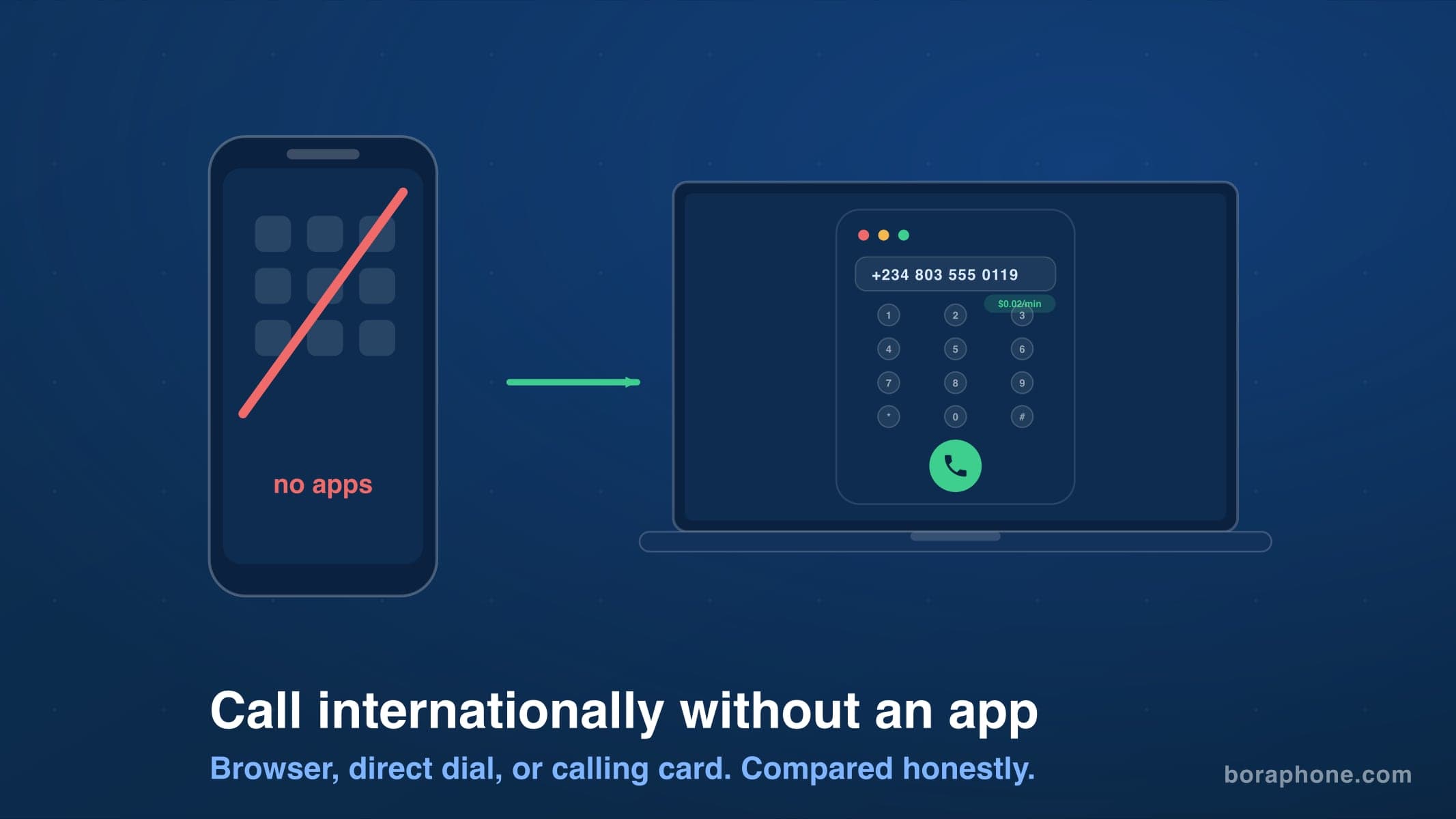
How to Call Internationally Without an App (2026 Guide)
You do not need to download anything to call another country. Browser calling, direct dialing, calling cards, and roaming-free options compared, with real costs for each.
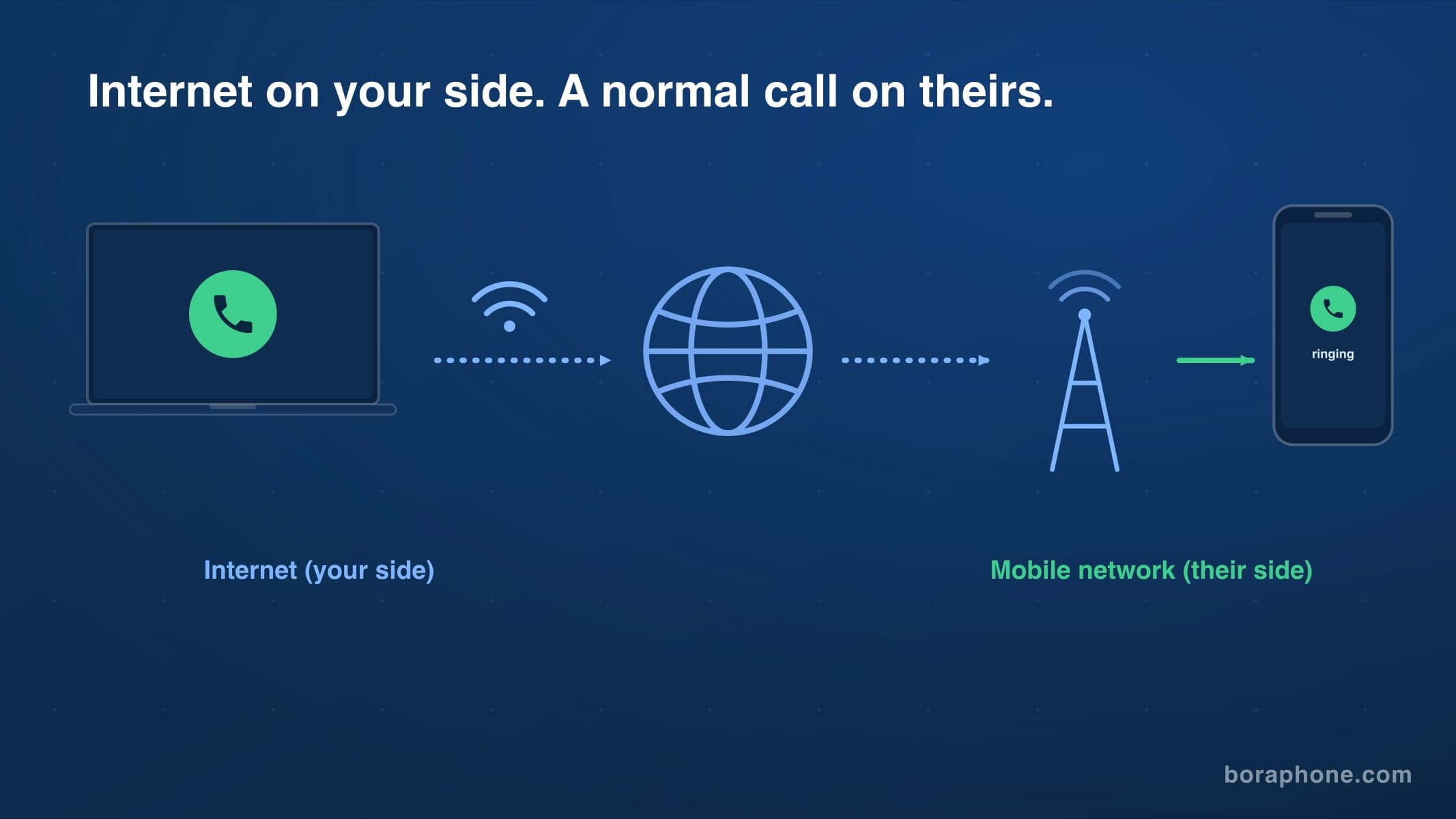
Free Call via Internet to Mobile: What Actually Works in 2026
How to call a mobile phone over the internet, free or nearly free. The person you call needs no app and no internet. Here is every method, tested, with real limits and costs.