

KeKu Not Working? What Happened — and the Best Alternatives in 2026

If you searched "KeKu not working," you probably have money sitting in a KeKu account and calls that will not go through. You are not alone, and unfortunately the pattern behind your problem is a familiar one in the international calling business.
Update, July 2026: KeKu's app is now gone from the US App Store and the company has publicly pivoted away from international calling — the full picture is in our KeKu alternative guide.
What KeKu Users Are Reporting
KeKu built its name on cheap international calls and US numbers for expats. But over the past couple of years, its review pages have turned grim. On PissedConsumer, KeKu sits around 1.5 stars, and the complaints repeat the same themes:
- Credit that disappears. Users report topping up, making a handful of calls, and finding their balance drained or their account inaccessible.
- Calls that stop connecting. Numbers that worked for months suddenly fail, with no error message and no explanation.
- Support that goes quiet. The most damaging reports describe emails that never get answered while a paid balance sits frozen.
We are not in a position to say what is happening inside the company. What we can say is that when a calling provider's support stops responding while balances are locked up, waiting rarely improves the situation. If your calls have stopped working, the practical move is to stop topping up and route around the problem.
First: Try to Recover What You Can
Before switching, spend fifteen minutes on recovery:
- Log in on the web, not the app. Account pages sometimes work when the app does not.
- Document your balance. Screenshot your credit and transaction history with dates.
- Email support with a paper trail. One clear email with your account email, balance screenshot, and a specific request (refund or restored service) is worth more than ten app-store reviews.
- Dispute recent top-ups. If you topped up in the last 60–120 days by card, your bank or PayPal may reverse the charge for services not delivered. This is often the only recovery path that actually works.
How to Never Get Burned by a Calling App Again
The KeKu situation is a specific case of a general risk: prepaid calling credit is an unsecured loan to a company you know nothing about. Skype users learned this in 2025 when Microsoft shut the service down and declined refunds for most remaining credit. A few habits remove most of the risk:
- Top up small. If the minimum is $5, start with $5. Never park $50 in a calling account to "save time."
- Check the refund policy before the first payment. If there is no clear money-back promise for failed calls, assume there is none.
- Avoid credit bought through app stores. In-app purchases add a store commission and make disputes harder. Paying by card on the web keeps your bank in the loop.
- Prefer providers that show the rate before each call. Opaque balances are where "vanishing credit" complaints start.
The Best KeKu Alternatives in 2026
Here is an honest comparison of the realistic options, including where each one falls short.
| Billing model | Minimum top-up | Connection fees | Refunds on failed calls | Platform | |
|---|---|---|---|---|---|
| BoraPhone | Pay-as-you-go, per minute | $5 | None | 100%, no questions asked | Browser (no install) |
| Yolla | Pay-as-you-go + bundles | ~$4 | None, but welcome bundles auto-convert to subscriptions | Case by case | iOS / Android app |
| Rebtel | Subscription-first | Plan-based | None | Case by case; users report cancellation friction | App |
| mytello | Pay-as-you-go | ~$5 | Per-call setup fee (~5¢) and full-minute rounding | Case by case | App / callback |
A few notes on that table:
- BoraPhone runs entirely in the browser — you sign up with an email, see the per-minute rate before you dial, and call any landline or mobile in 180+ countries. Rates start at $0.02 a minute, there are no connection fees, and if a call does not work as expected you get 100% of your money back. The honest limitation: there is no dedicated mobile app, and billing is per minute (partial minutes round up), not per second. The full pricing breakdown is here.
- Yolla is a solid app if you want calling on your phone, but read the fine print on its "welcome offers" — the discounted bundles convert to auto-renewing monthly subscriptions, and unused minutes do not roll over.
- Rebtel works best for heavy callers to a single country who actually want an unlimited plan. If you only call occasionally, a subscription is the wrong shape — reviews consistently mention surprise renewals.
- mytello is honest about being cheap, but its per-call setup fee plus rounding up to full minutes makes short calls disproportionately expensive.
For a deeper comparison of credit-based calling services, our breakdown of the best Skype alternatives in 2026 covers the wider field.
Switching in Under a Minute
If your KeKu calls are down and you need to reach someone today, the fastest path looks like this:
- Open boraphone.com in any browser — laptop or phone, no download.
- Sign up with your email. No phone number, no verification calls.
- Make your first call free. Test the line you actually need to reach — your mother's landline, your bank, a client — before paying anything.
- Top up $5 if it works for you. At rates from $0.02 a minute, that small top-up goes a long way, and you can check the exact rate for your country in the rate calculator first.
The lesson from KeKu — and from Skype before it — is not "never prepay." It is: prepay small, to providers that show their rates upfront and put a refund policy in writing.

Written by
Serpius DentoSerpius works with communication and customer relations at BoraPhone. With hands-on experience helping users navigate international calling, he writes practical guides based on real conversations with customers worldwide.
Recent Posts
5 Minute Free Call: Where to Actually Get Free Minutes in 2026
Looking for a 5 minute free call online? Here is every service that gives you free calling minutes, how many you really get, and how to make a short free call to any country right now.
How to Call a Phone from Google: Every Option Explained
Can you call a phone number from Google? Yes, several ways: Google Voice, Google Meet, Assistant, and search. Here is how each works, what it costs, and what to use instead when Google says no.
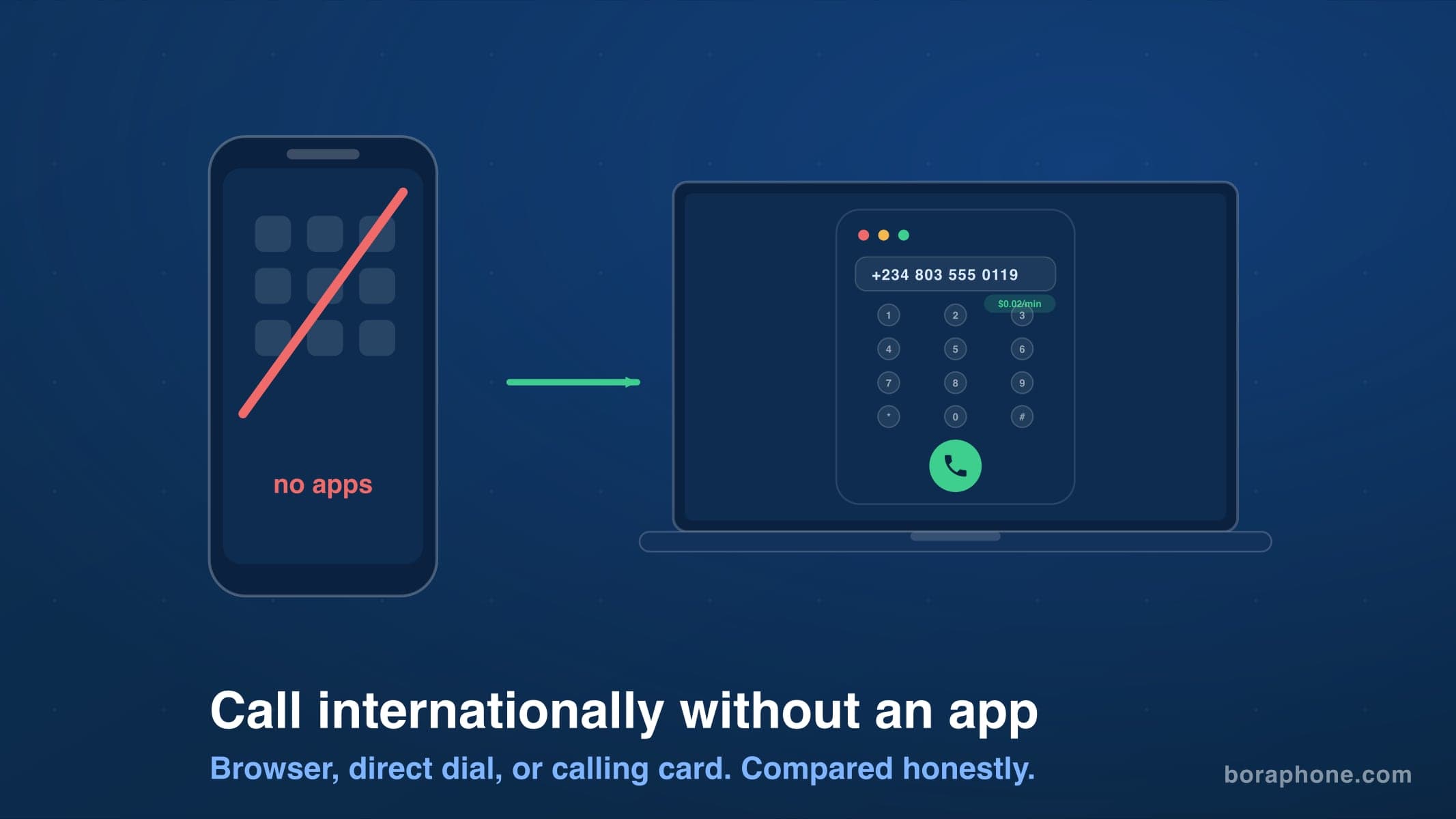
How to Call Internationally Without an App (2026 Guide)
You do not need to download anything to call another country. Browser calling, direct dialing, calling cards, and roaming-free options compared, with real costs for each.